Your metrics, one command away.
Query, push, and aggregate metrics from your terminal. MCP server mode turns your CLI into an AI agent tool.
$ trifle metrics timeline --key orders \ --value-path=count --format tableat count-------------------------------- -----2026-02-09T07:00:00.000000+00:00 2462026-02-09T08:00:00.000000+00:00 1122026-02-09T09:00:00.000000+00:00 882026-02-09T10:00:00.000000+00:00 53Everything you need in a single binary
Trifle CLI is a Swiss Army knife for your metrics. Query, push, and analyze data without leaving the terminal.
Query Metrics
Pull time-series data for any key. Filter by granularity, date range, and value path.
Push Data
Track events directly from the terminal or shell scripts. Pipe-friendly for automation.
Aggregate
View aggregated totals across time ranges. Perfect for quick analysis.
Timeline View
See your metrics over time in a clean table format right in your terminal.
Category View
Break down hierarchical data by categories. See country, channel, or any nested dimension.
Multiple Formats
Output as table (human-friendly), JSON (for APIs), or CSV (for spreadsheets). Pipe into jq, awk, or any tool.
AI agents that understand your metrics
Run trifle mcp to start an MCP server. AI coding agents like Claude, Cursor, or Copilot can query your metrics while having full context of your code.
-
Context-aware analysis
Agents see your code and your metrics at the same time
-
Natural language queries
Ask "how did orders trend last week?" and get real answers
-
Works with Claude, Cursor, Copilot
Standard MCP protocol works with any compatible agent
-
Agent Skills included
Open-source skills install with
npx -y @trifle-io/installand teach agents CLI best practices like push patterns, query strategies, and local analytics workflows
{
  "mcpServers": {
    "trifle": {
      "command": "trifle",
      "args": ["mcp"]
    }
  }
}
Add this to your Claude, Cursor, or Copilot MCP configuration and your AI agent can query Trifle metrics directly.
Local SQLite driver, no server needed
Run any Trifle command and it automatically creates a local SQLite database. No configuration files, no server setup, no environment variables. It just works.
-
Automatic database creation
A
trifle.dbfile is created in your working directory on first use -
Perfect for local development
Track metrics during development without setting up infrastructure
-
AI-friendly analytics
Agents use the local SQLite driver to aggregate large datasets that don't fit in context, then query the results
$ trifle track --key tests \
    --values '{"passed": 42, "failed": 3}'

Tracked successfully.
Driver: sqlite (./trifle.db)
Key:    tests
At:     2026-02-14T10:30:00Z

$ trifle metrics timeline --key tests \
    --format table

at                                passed  failed
--------------------------------  ------  ------
2026-02-14T10:00:00.000000+00:00  42      3
Your data, your format
Same data, three output formats. Pick what fits your workflow or pipe it into other tools.
--format table
at                  count
------------------  -----
2026-02-09T07:00Z   246
2026-02-09T08:00Z   112
2026-02-09T09:00Z   88
2026-02-09T10:00Z 53--format json
[
  {
    "at": "2026-02-09T07:00Z",
    "count": 246
  },
  {
    "at": "2026-02-09T08:00Z",
    "count": 112
  }
]--format csv
at,count
2026-02-09T07:00Z,246
2026-02-09T08:00Z,112
2026-02-09T09:00Z,88
2026-02-09T10:00Z,53
Pipe JSON into jq, CSV into awk, or table straight to your eyes.
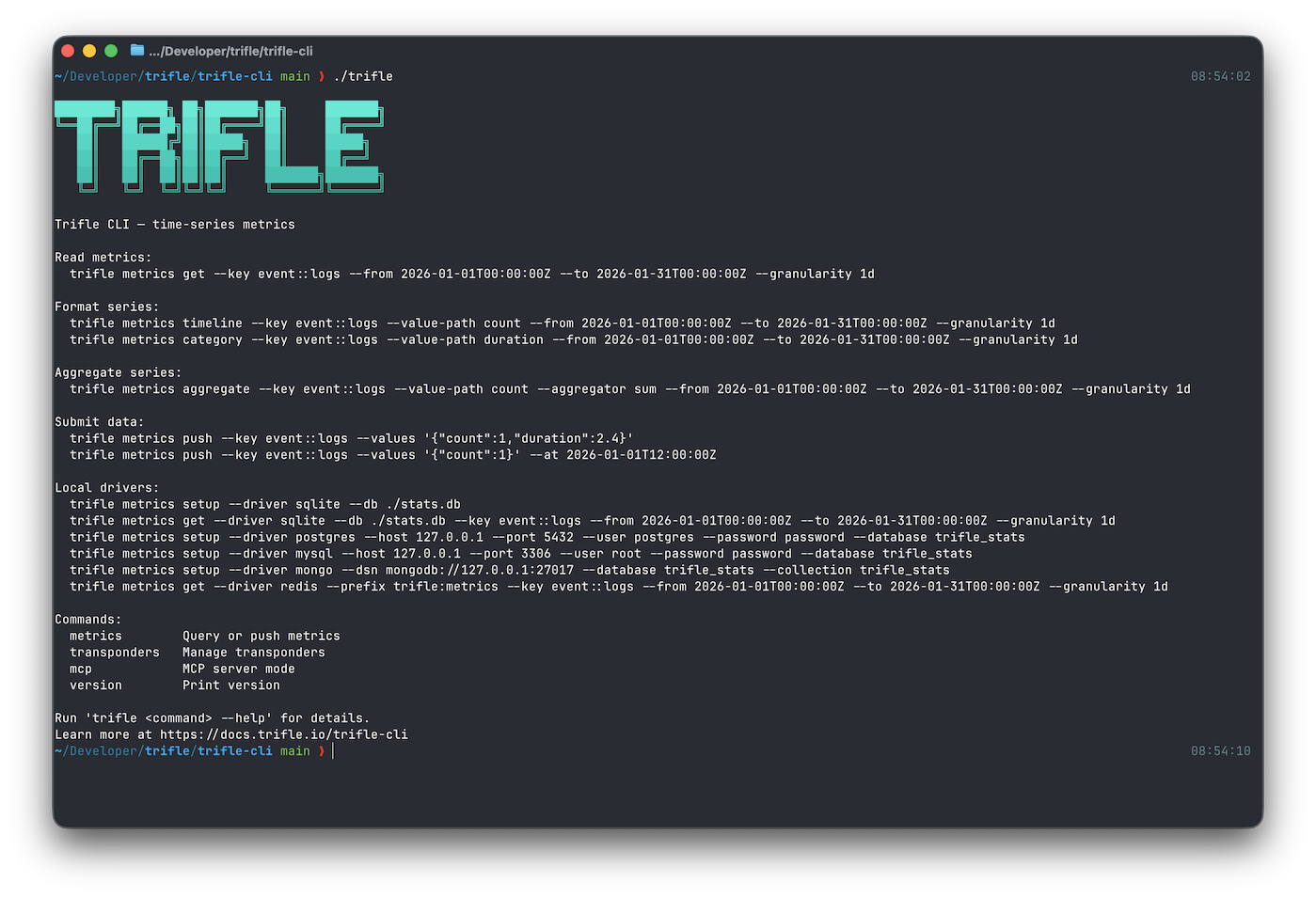
Install in seconds
Choose your preferred installation method. Single binary, no dependencies.
# Install via Homebrew
$ brew install trifle-io/trifle/trifle
# Install with Go
$ go install github.com/trifle-io/trifle-cli@latest# Download binary
$ curl -sSL https://get.trifle.io | shThree ways to connect
Through Trifle App, directly to your database, or fully offline with local SQLite. Pick what fits your setup.
Trifle App
Cloud or self-hosted. Configure your Project or Database in Trifle App, then query them from CLI without exposing direct database access.
Manage dashboards, alerts and monitors.
$ trifle config set driver api
$ trifle config set api-token $TOKEN
Database
Talk to your database directly. No middleman, no proxy. If you have access to the host, point CLI at it and go.
PostgreSQL, MySQL, MongoDB, and Redis.
$ trifle metrics get --driver postgres \
  --dsn $DATABASE_URL \
--key ordersLocal
Zero-config SQLite driver. No account, no server, no internet required. Great for development, prototyping, and AI agents analyzing large datasets locally.
Everything stays on your machine.
# No config needed. Just run:
$ trifle track --key deploys --values '{"count":1}'
Install in 3.6 seconds
One command to install. One command to track. Zero config required.
$ brew install trifle-io/trifle/trifle